Easton Admin Portal User Guide
Navigate with the menu
The left menu of the Admin Portal looks like this:
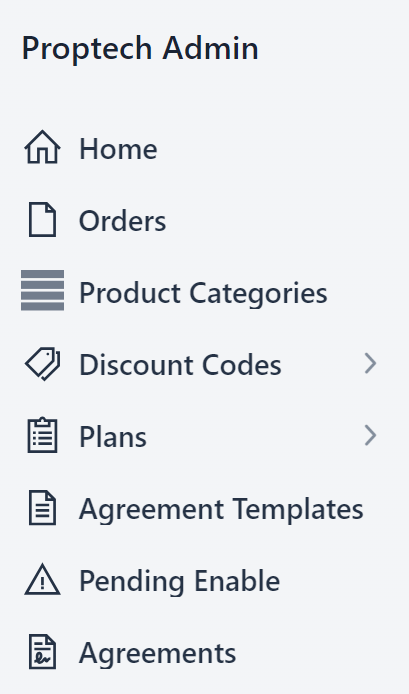
To open a module in the Admin Portal, click any option in the menu.
Here, you can find a corresponding page with instructions for each module. Click an option on the far left to get started.
Hide the menu
-
To hide or show the menu, click this button:

Search everywhere
-
To search everywhere, click this box.

-
Start typing. The results update automatically.
This searches all customers and accounts.